I did some research on my Canon Eos Rebel T3’s auto focus points.
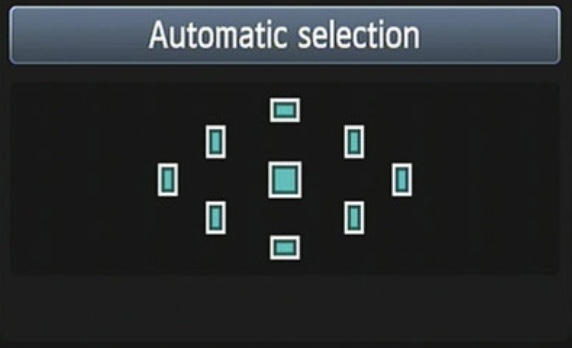
If you are a rookie photographer and don’t like using manual mode, my canon has an automatic auto focus system to use. No button necessary. With the Automatic Selection, the camera will automatically focus on a specific subject in the frame, by looking at all nine autofocus points, and then determining which subject within is the closest. This is what it will look like in your menu:
However, sometimes you do not want your camera to focus on the closest thing, or maybe it is having a hard time focusing on anything. In most cases, it is a lot better to use a manual autofocus selection. In order to manually set the focus point, the camera must be in P, Tv, Av, or M mode. First off, to access your camera’s autofocus selection tool you must find it first!

After you find and click on the autofocus point selection button, your menu will pop up, looking like this:
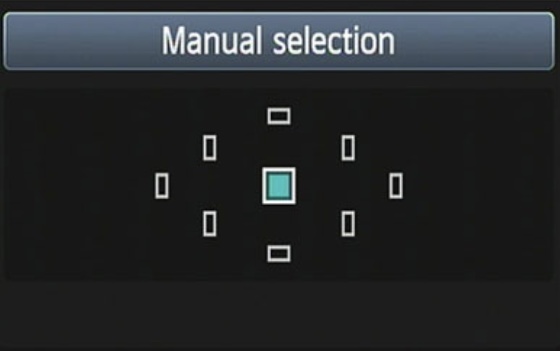
From here, you can use the focus ring on the lens or the pad to navigate to which point you want to be in focus. And it’s as easy as that! Enjoy your focusing.
I got my information from https://www.dummies.com/photography/cameras/canon-camera/set-an-autofocus-point-on-a-canon-rebel-t3-series-camera/
 Lizzie's Digital Art